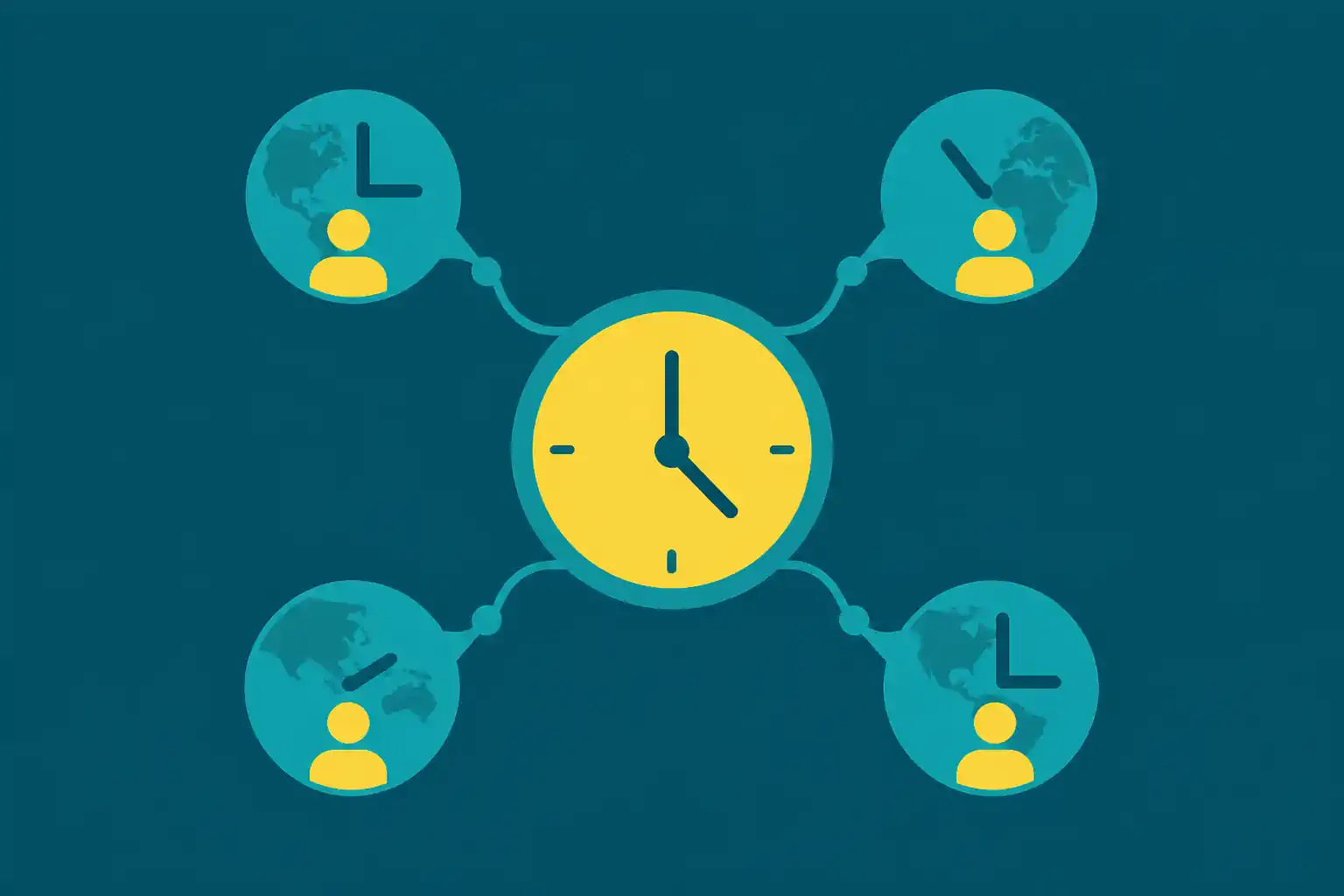
You run a multi-tenant SaaS. Your customers are companies, your code runs payroll for each of them, and "every Friday at 17:00 local time" is the cadence the customer-facing contract promised. The trouble is there are 30 of them in 4 timezones across 2 continents, "local" means something different to every one, your crontab has 30 entries that all look almost the same and slightly differently wrong, the Chicago office thinks payroll is late twice a year because of DST, and the new tenant you onboarded Tuesday still does not have a row in the file because you forgot to redeploy. This post is about the pattern that fixes the whole thing without rewriting your scheduler.
If you want the short version: stop pinning per-tenant schedules in code or in a single crontab file. Create one Crontap schedule per tenant, all pointing at one shared endpoint, each carrying its own cadence and IANA timezone. Onboarding becomes one API call. Offboarding becomes one DELETE. DST becomes someone else's problem.
The multi-tenant scheduling problem
A multi-tenant SaaS has one codebase and many customers. Most things scale cleanly along that axis: the database, the auth layer, the request routing, the billing. Schedules do not.
A schedule has three properties that are not the same across tenants:
- Cadence. Tenant A wants the weekly payout every Friday at 17:00. Tenant B is on the monthly plan and wants it on the 1st of every month. Tenant C is bi-weekly. Tenant D pays daily. Your pricing page already encoded this; now your scheduler has to express it.
- Timezone. "17:00 on Friday" means one thing in
America/Chicagoand another inEurope/Amsterdam. The customer is right; the calendar is theirs. - Lifecycle. Tenants come and go. New tenant onboards Tuesday, schedule needs to start Friday. Old tenant churns at end of month, the schedule stops the next day.
Three properties, multiplied across N tenants, gives you N schedules. The naive answer is one for-loop in a worker process at startup, registering all of them. That works exactly until the first tenant churns, the first time DST shifts, or the first time you redeploy and the worker crashes mid-restart while the 17:00 fire was queued.
Why hardcoded crontab on the deploy box is fragile
The simplest thing that works for a single-tenant app is a system crontab on the deploy box, one row per tenant. It is fine for 1 tenant, okay for 5. By the time you have 30, the file is a brittle artifact:
- The file lives on a single box. If the deploy box is replaced, the schedule disappears unless you remembered to reseed the crontab on provisioning.
- Onboarding and offboarding are deploys. Adding a row means SSHing in or running a config-management apply; removing a row means the same. When a tenant churns and the row stays, your job quietly fires every Friday for that customer for the rest of the host's life.
- Timezone is one global timezone. System cron runs in the host's timezone or UTC. "17:00 on Friday in Chicago" and "17:00 on Friday in Amsterdam" become different cron expressions, and DST silently shifts both twice a year.
- No retries, no alerts. If the host is rebooting at 17:00, the run is gone. The only place a failure lives is
/var/log/cron, which nobody reads.
The deploy-box crontab is fine for "one site, one timezone, one job". It buckles past that. The next instinct is usually to move the schedule into the app itself.
Why an in-process scheduler does not solve the multi-tenant case
The middle answer is to use an in-process scheduler: node-cron, Sidekiq + sidekiq-cron, Celery beat, BullMQ, Quartz, Hangfire. Pick your stack; the shape is the same. At process startup, the app loads the tenant table, builds N cron entries in memory, and the scheduler fires them.
This is better than the deploy-box crontab on every axis except the ones that matter most.
What you give up:
- The schedule lives in process memory. When the process restarts (deploys, OOM kills, host failovers, autoscaler events), every in-memory job is gone for the time it takes to come back. If the failover took 90 seconds and one of those seconds was 17:00:00, that fire is missed.
- You scale on two different axes. Web traffic scales horizontally with N replicas; the scheduler does not. You need exactly one process running the cron loop, otherwise every job fires N times. Now you are running a leader-elected singleton just for the schedule.
- Failures and retries are still your problem. If the payroll endpoint returned 503, the in-process scheduler logs a stack trace and moves on. You wire up Sentry, you wire up a Slack hook, you debug "why did the 17:00 fire not run for tenant 23" two days later when the customer pings.
For small fleets in a single timezone running non-critical work, in-process scheduling is fine. For multi-tenant, multi-timezone, customer-facing schedules, it is more singletons and more failure modes than the value justifies.
The pattern: one Crontap schedule per tenant, one shared endpoint
The shape that scales is to push the schedule out of your code entirely.
Crontap (schedule for tenant A)  ┐
Crontap (schedule for tenant B)  ┼→  HTTPS POST  →  https://api.yourapp.com/jobs/payroll?tenant={id}
Crontap (schedule for tenant C) ┘Each schedule carries:
- The tenant ID in the URL.
- The cadence the customer's plan dictates.
- The IANA timezone the customer's office runs in.
- A bearer token in the
Authorizationheader that the endpoint verifies before doing any work.
Your backend exposes one endpoint. The endpoint does the work for whichever tenant fired it. Your tenants table holds the row of truth: "tenant 17, weekly, Friday 17:00, Europe/Amsterdam, active". The Crontap schedule is the runtime representation of that row.
When a new tenant signs up, your onboarding code calls the Crontap API to create a new schedule. When a tenant churns, your offboarding code calls the API to delete it. When a tenant changes plan from monthly to weekly, you update the cadence.
Three benefits the in-process pattern does not give you:
- The schedule lives outside the app process. Deploys do not affect it. If your API box is restarting at 17:00 Friday, Crontap fires the request anyway, gets a 503, retries automatically with exponential backoff, and alerts you if the retries are used up.
- Timezone is per-schedule. Crontap stores
Europe/Amsterdamfor tenant B andAmerica/Chicagofor tenant A. DST is the scheduler's problem; your code never reads timezones. - One dashboard for all tenants. Click a single schedule to see when it last fired, when it next fires, what response it got, what timing. No "where did the run go" archaeology.
The cost is one extra dependency and one extra credential per tenant (the bearer). Both are small.
Step 1: Build the shared endpoint
In whatever framework you run, expose one route per scheduled job type. For weekly payroll, that is POST /jobs/payroll?tenant={id}:
import { type Request, type Response } from "express";

export async function payrollCron(req: Request, res: Response) {
  if (req.headers.authorization !== `Bearer ${process.env.CRON_SECRET}`) {
    return res.status(401).json({ error: "Unauthorized" });
  }

  const tenantId = String(req.query.tenant ?? "");
  const tenant = await loadTenant(tenantId);
  if (!tenant || tenant.status !== "active") {
    return res.status(404).json({ error: "Tenant not active" });
  }

  await runPayrollForTenant(tenant);
  return res.status(200).json({ ok: true });
}Three things worth pinning. Auth is the first gate, the tenant lookup is the second (if a tenant is paused, suspended, or churned, return early; the schedule may still exist in Crontap until the next sync sweep, so the endpoint refusing the work is the safety net). Return fast: if payroll generation is heavy, queue it and return 200, otherwise long-running synchronous work risks a Crontap timeout retry that re-runs the job.
Step 2: Generate one bearer token
One shared CRON_SECRET is enough; per-tenant security is enforced by the tenant ID lookup, not by a per-tenant token.
openssl rand -base64 32Store it in your backend env. Crontap stores it encrypted on the schedule headers. Rotate every few months via the API's bulk header update.
Step 3: Create one Crontap schedule per tenant
Head to Crontap and create the first schedule by hand to confirm the shape.
- URL.
https://api.yourapp.com/jobs/payroll?tenant=tenant_17. The query param is how the endpoint knows which tenant to run. - Method.
POST. - Headers.
Authorization: Bearer <CRON_SECRET>plusContent-Type: application/jsonif you want to send a body. - Cadence. Type plain English ("every Friday at 17:00") or paste a cron expression. Crontap previews the next 5 fires inline.
- Timezone. Pick the IANA zone of the tenant's office (
Europe/Amsterdam,America/Chicago,Asia/Singapore). Crontap handles DST. - Failure alerts. Choose connected email, Slack, Discord, or Telegram channels in Notifications, or add a machine webhook under Integrations. The alert fires if the final attempt fails, after any configured retries are used up. Responses not configured for retry are final immediately.
Press Perform test to fire a real request before you trust the cadence. A healthy payroll endpoint returns 200; an inactive tenant returns 404 (correctly, that is the safety net firing); a missing bearer returns 401 (which means the schedule's header is wrong).
Fix this in 60 seconds with Crontap. Free forever tier. No credit card. Schedule your first job →
Once one schedule works end-to-end, the next 29 are bulk creates.
Bulk-creating schedules from the tenant table
You do not click 30 schedules into existence by hand. The Crontap API takes a JSON body that mirrors the UI form, so onboarding becomes one HTTP call per tenant:
async function createPayrollScheduleForTenant(tenant: Tenant) {
  return fetch("https://api.crontap.com/v1/schedules", {
    method: "POST",
    headers: {
      Authorization: `Bearer ${process.env.CRONTAP_API_KEY}`,
      "Content-Type": "application/json",
    },
    body: JSON.stringify({
      name: `payroll-${tenant.id}`,
      url: `https://api.yourapp.com/jobs/payroll?tenant=${tenant.id}`,
      method: "POST",
      headers: { Authorization: `Bearer ${process.env.CRON_SECRET}` },
      cron: cadenceToCron(tenant.plan),
      timezone: tenant.officeTimezone,
    }),
  });
}Loop over the tenant table once for the backfill; call this from your signup flow for ongoing onboarding; call DELETE on the stored schedule ID for offboarding.
Two notes: store the returned schedule ID on the tenant row (you will need it to update cadence on plan changes or delete on churn), and run the first pass in dry-run mode (the cost of getting this wrong is N spurious requests at 17:00 Friday). If you would rather not call the API, Crontap also supports CSV import from the dashboard for the initial backfill.
Worked example: weekly payroll for 30 trucking sub-companies
A trucking SaaS runs a multi-tenant payroll product for sub-companies that operate fleets across the US, Canada, the UK, and the Netherlands. 30 active tenants, plans split across weekly (Friday 17:00 local), bi-weekly, and monthly; one Express route handles all of them. Previously, an in-process node-cron singleton on a t3.medium fired all 30. The singleton went down once or twice a quarter (deploy, autoscaler event, OOM), and the team's biggest customer noticed the time it landed on a Friday during a Black Friday traffic event.
After the move: 30 Crontap schedules named payroll-{tenant_id}, each carrying the tenant's IANA timezone and the cadence its plan dictates, one shared bearer token, the same Express route, and the node-cron singleton deleted.
What changed operationally:
- The Black Friday outage no longer affects payroll. The API was up at 17:00 Friday because nothing about the payroll route depended on the singleton; Crontap fires it directly.
- DST in March and November is now invisible. The Amsterdam tenants' 17:00 stays 17:00; the Chicago tenants' 17:00 stays 17:00.
- Tenant onboarding gained one extra step: the signup flow now calls
createPayrollScheduleForTenantand writes the returned schedule ID back to the tenant row. About 30 lines of code. - One dashboard. The ops lead opens Crontap on Friday afternoon and sees 30 green fires lined up by timezone. If a tenant's payroll endpoint still fails after its retries, the final failure lands in the team's Slack with status, duration, and an error summary.
The pattern did not change anything about the payroll logic. The clock moved.
Operational concern: rate-limiting your own backend
Thirty tenants firing at "Friday 17:00 local" is not thirty simultaneous requests because the timezones are spread. Within a single timezone, ten tenants firing at exactly 17:00:00 is a thundering herd. Two mitigations: add jitter on the schedule (vary the minute slightly per tenant, 17:00 / 17:01 / 17:02; the contractual "17:00" easily allows a 5-minute window), and treat the payroll endpoint like any other API (concurrency limits, a max-in-flight pool, route heavy work into a queue and let Crontap fire the queue trigger). For most fleets in the dozens-of-tenants range, jitter alone is enough.
When in-process scheduling is still the right call
The pattern is shaped for "many tenants, multi-timezone, customer-facing cadence". Keep the in-process scheduler when the fleet is small (under 5 tenants) and single-timezone, the work is non-customer-facing and a missed run is fine (cache warmers, low-priority batches), or you already have a queue (BullMQ, Sidekiq) where adding cron triggers is one config line and leader-election is already paid for.
For everything else, the external-cron-per-tenant pattern is lighter than it looks. The schedule moves from a singleton in your code to a row per tenant in a service you do not have to operate.
FAQ
How many schedules can a single endpoint take?
No enforced limit on the URL side. The bottleneck is your endpoint's throughput at the moments when many schedules fire concurrently. Add jitter or move heavy work into a queue and you can comfortably run hundreds of per-tenant schedules through a single route.
What about per-tenant secrets instead of one shared bearer?
A single shared CRON_SECRET is the simplest secure pattern; per-tenant security is enforced by the tenant ID lookup in the endpoint, not by a per-tenant token. If your security model genuinely requires per-tenant credentials, generate per-tenant headers in the create-schedule call. Crontap stores headers per-schedule.
What happens when a tenant changes timezone?
Update the schedule's timezone field via the Crontap API. The change takes effect immediately; the next fire is in the new zone. This is why storing the schedule ID against the tenant row matters.
Can I run the per-tenant schedule on Crontap's free tier?
Crontap has a free tier available. For a 30-tenant fleet you will likely want Pro for the schedule headroom and the 1-minute cadence floor; the breakdown is on the pricing page.
Does this work for non-payroll work too?
Yes. The pattern is general: any per-tenant scheduled work where the cadence and timezone vary by customer. Weekly digests, end-of-month invoicing, fleet-wide audit logs, customer-segment cleanups. The endpoint shape changes (/jobs/digest, /jobs/invoice); the scheduling pattern is identical.
References
Related on Crontap
- Scheduled reports use case. The category spoke for recurring per-tenant report work.
- Ghost for content, external cron for the clock. Sibling pattern post about offloading the clock from a single-tenant backend.
- Cron syntax cheat sheet. Cron expressions for the cadences in the worked example.