Status pages
A status page that keeps itself up to date.
The last piece of Crontap: your uptime monitors and heartbeats on a public page, in a look that fits your brand. When a check fails, the page changes on its own. Free on every plan.


2.1k+ teams · Running millions of schedules since 2022
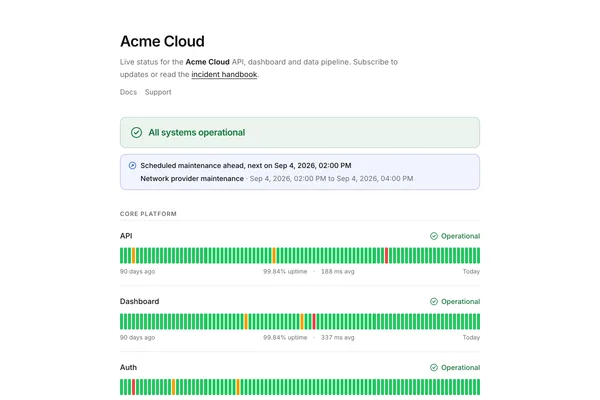
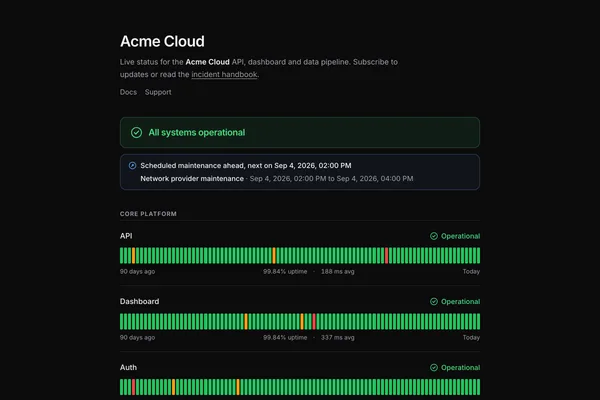
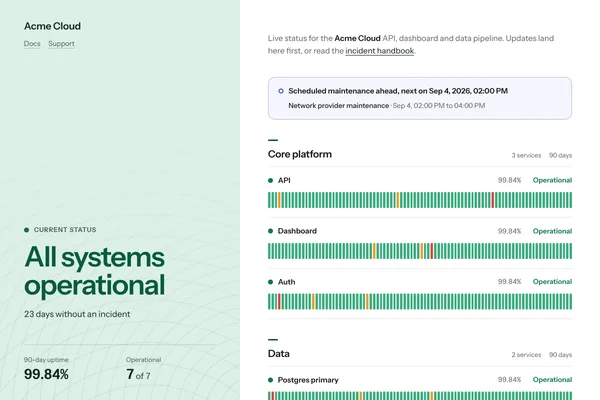
Previewing Clean during all systems operational.
Sound familiar?
The worst status page is the one that says nothing.
- Customers flood support asking “is it just me?”
- A separate status page tool with its own bill and its own monitors
- A page nobody updates because it isn't wired to anything
- A plain, grey page that looks like an afterthought
- Monitors and heartbeats update the page on their own
- Free on every plan, with every template
- Incidents, maintenance, a status badge, RSS and status.json
- A look that fits your brand, from Swiss to split-flap
Wired to your checks
Your monitors and heartbeats keep the page honest.
Every service on the page is an uptime monitor or heartbeat you already run in Crontap. A failed check turns its row and the banner red, a late heartbeat shows as degraded, and each down, recovery and missed check-in lands in the page history. Try it: break something.
Your Crontap
Exampleyour-site.com
Uptime monitor
api.your-site.com/health
Uptime monitor
nightly-backup
Heartbeat
Visitors see the public names you choose, like API. Monitor URLs and ping tokens stay private.
Your Company status
All systems operational
- WebsiteOperational
- APIOperational
- Nightly backupOperational
History
- No incidents or outages in the last 90 days.
Templates
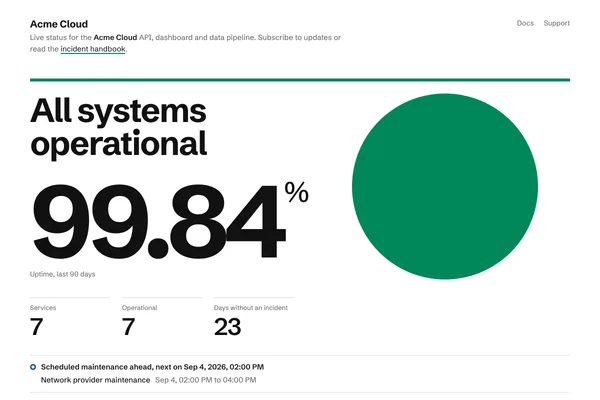
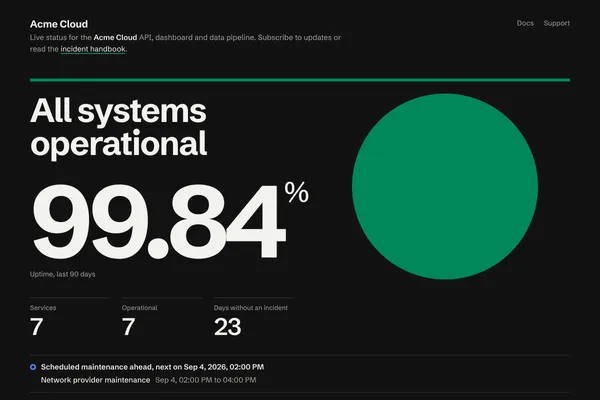
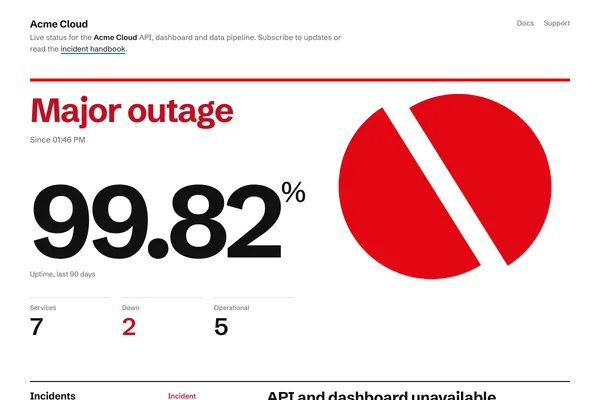
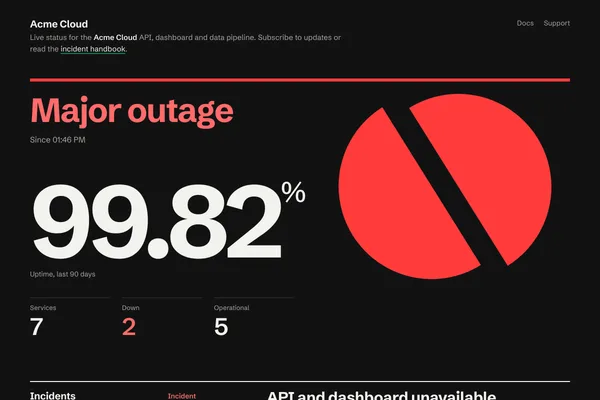
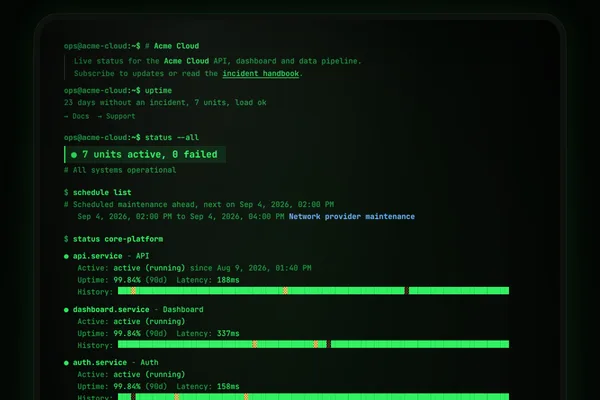
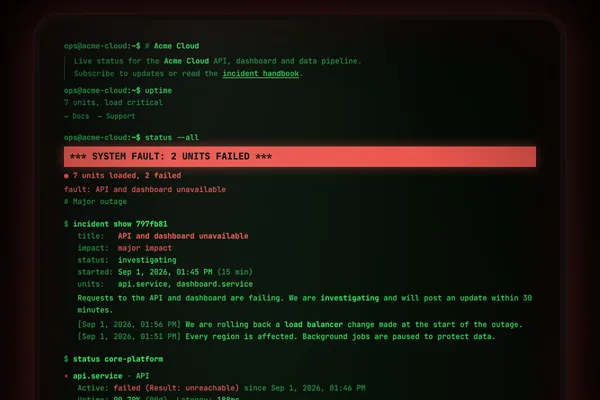
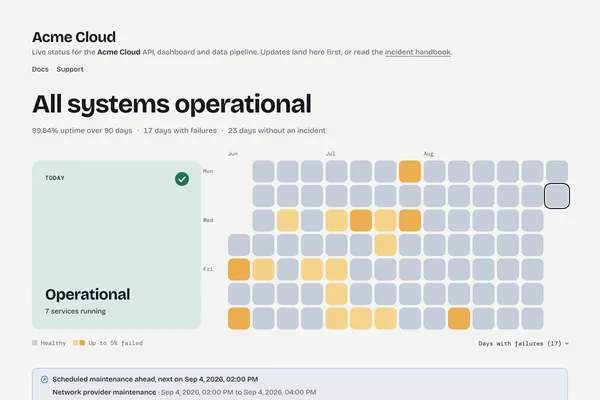
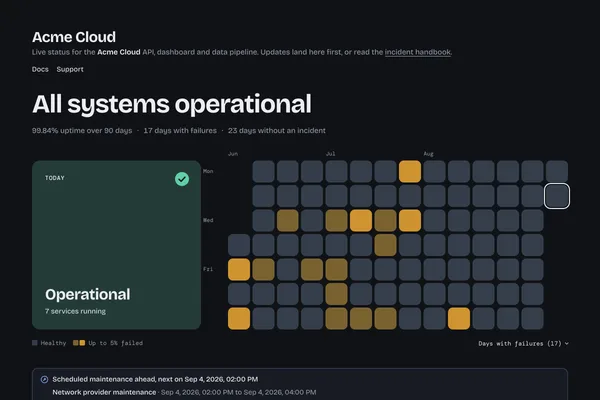
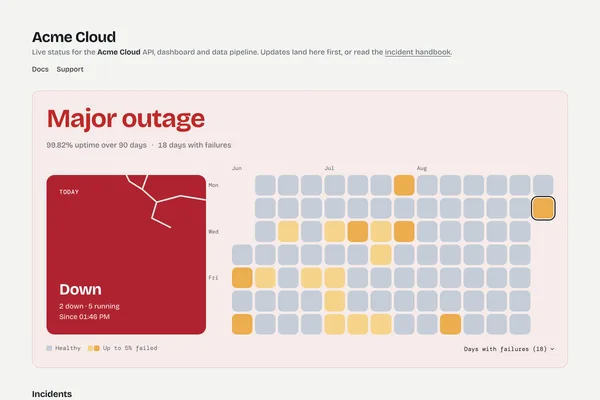
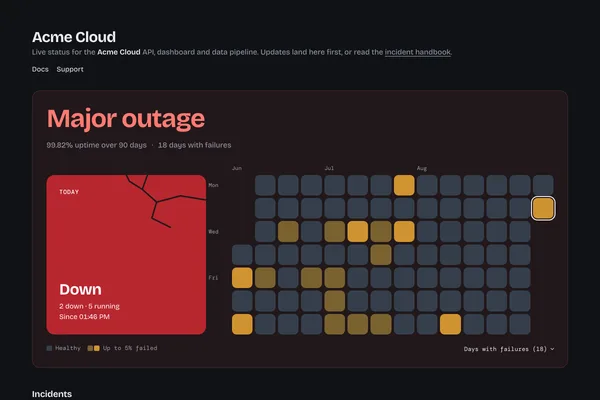
Start with a calm page your customers can read.
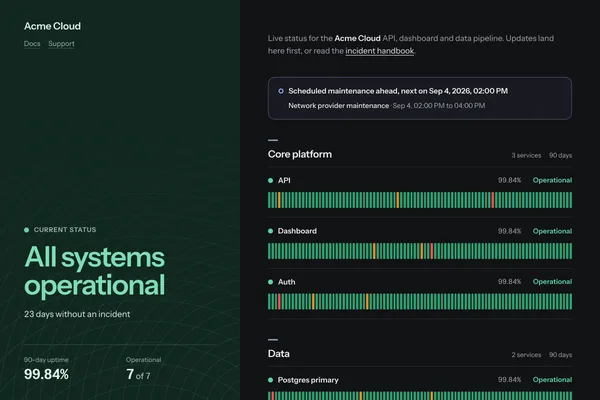
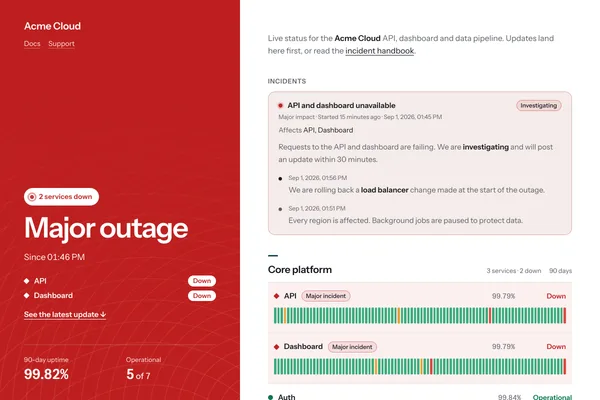
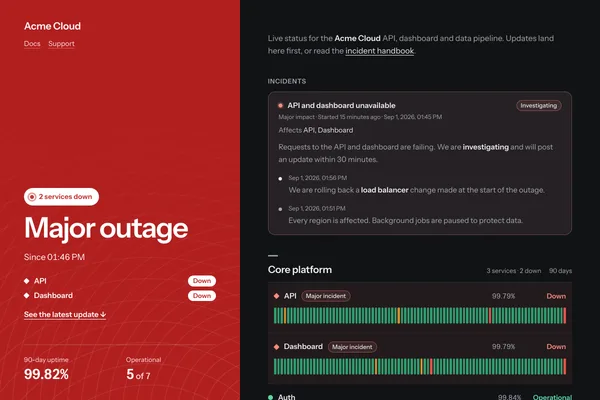
Clean, Swiss and the other essentials put the status first and suit any product, with Terminal for developer tools. Every template is free and you can switch whenever you like.
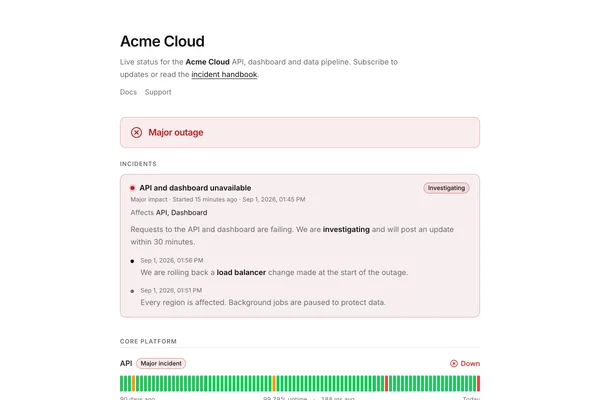
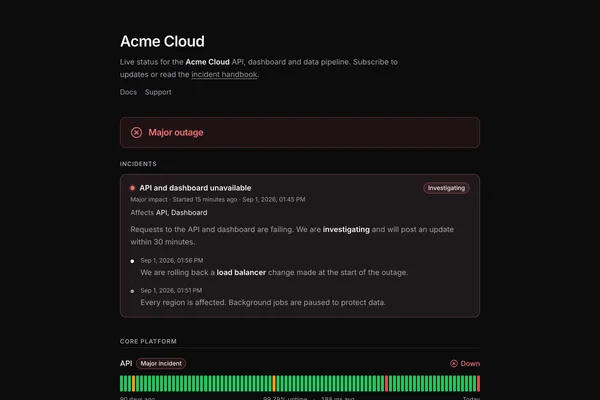
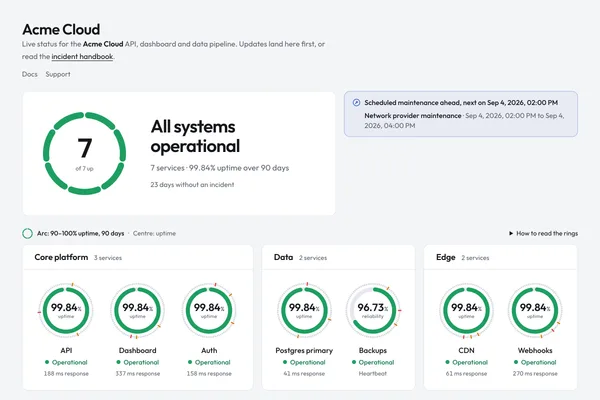
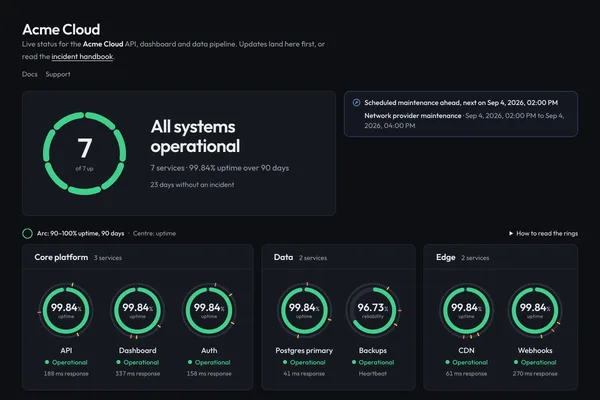
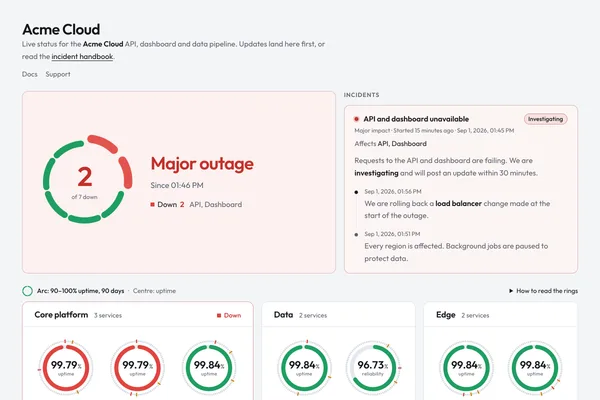
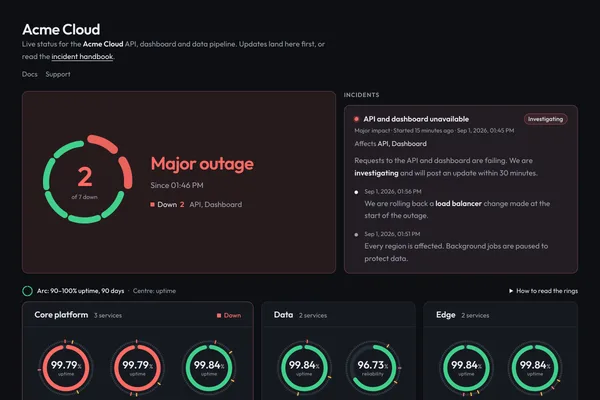
Incidents
Post updates while you fix it.
Open an incident, pick the affected services and set the impact. Each update moves it along, from investigating to resolved, and visitors see the whole timeline on the page and in the RSS feed.
Post an update
ExampleMessage
Some customers see an error at checkout. We are looking into it.
Major outage
Checkout errors
Impact: majorAffects: CheckoutInvestigating14:02
Some customers see an error at checkout. We are looking into it.
Planned work uses the same form: schedule maintenance with a start and an end, and the page shows it as upcoming a week ahead and in progress while it runs. Your checks and alerts keep running.
Make it yours
Your colour, your logo, your domain.
Most templates take your accent colour, and each has a light, dark or follow-the-visitor scheme where it fits. Name your sections and drag them into order. Pro adds your logo and favicon, removes the Crontap branding and serves the page on your own subdomain.
Appearance
ExampleSection order
- Product
- Background jobs
In the editor you drag sections and items into place.
All systems operational
Product
- Website100%
- API99.98%
Background jobs
- Nightly backup99.9%
Powered by Crontap
Crontap MCP
Post incident updates from Claude or Cursor.
Connect Crontap MCP on any plan and ask your agent to open an incident, post an update, schedule maintenance or resolve it, without opening the dashboard.
For fun
Or give your outages some personality.
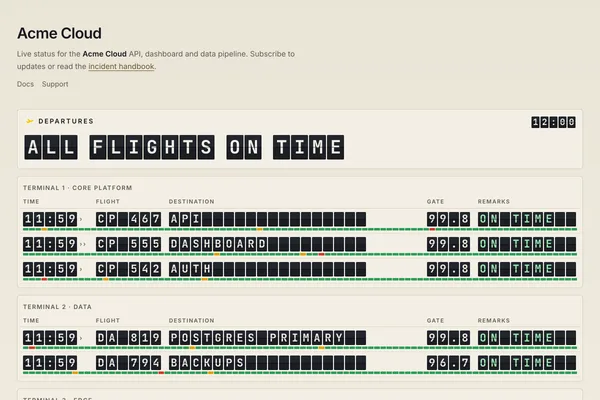
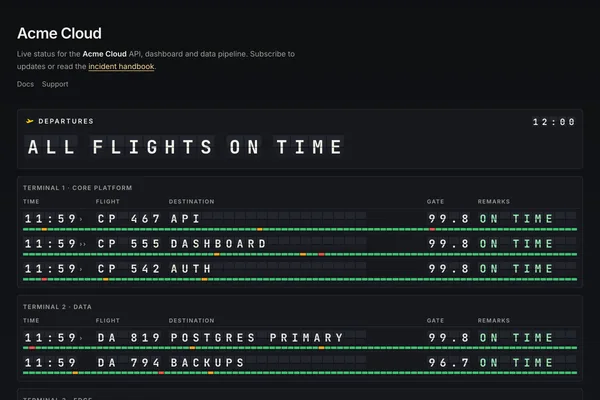
A split-flap departures board, a newspaper front page, a tiny isometric city. Same services, same updates, told another way. Switch the state to see how each one shows a bad day.
Showing these templates during all systems operational.
Departures Board
Every service is a flight. Hopefully on time.
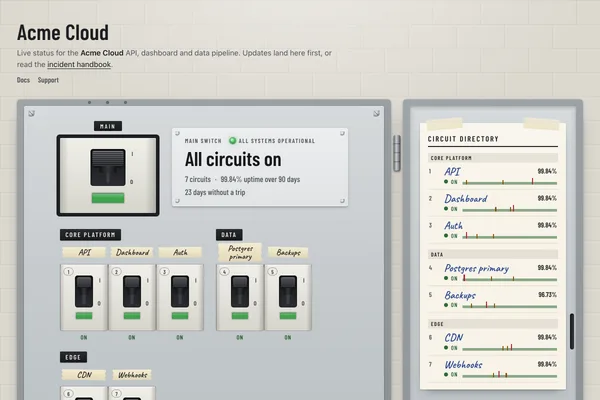
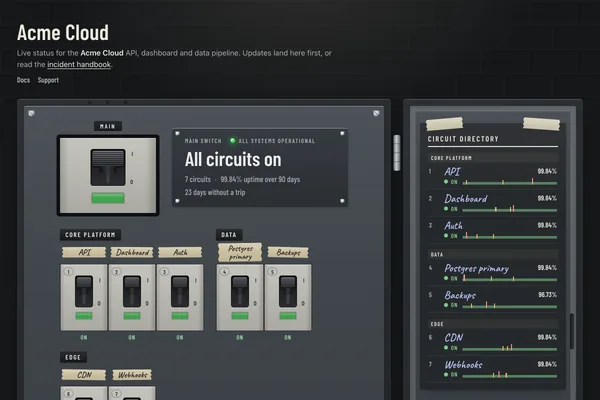
Breaker Panel
Every service on its own breaker.
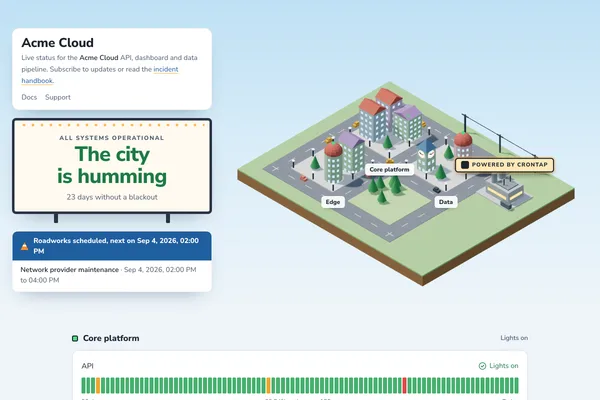
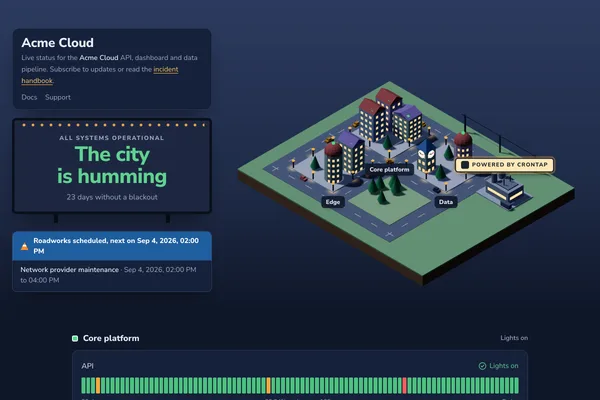
Isometric City
A tiny city that runs on your uptime.
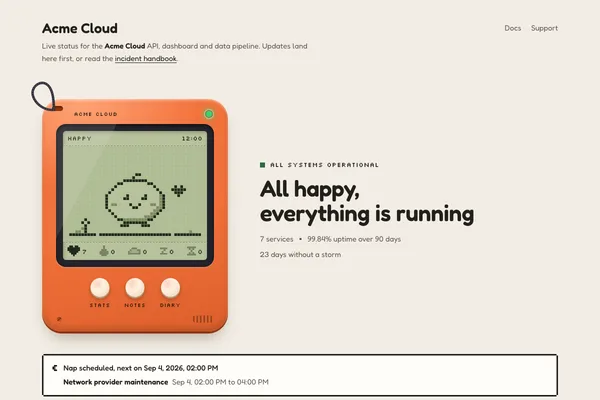
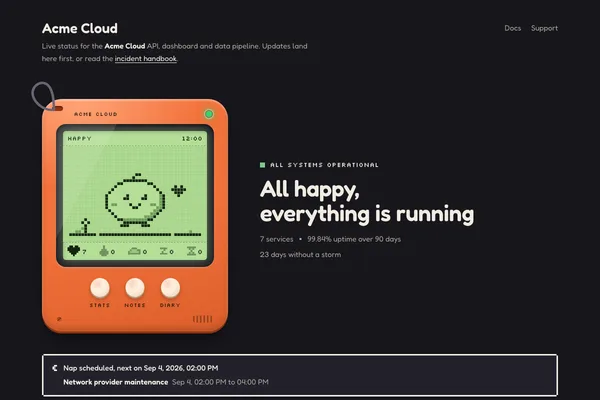
Pocket Pet
A pixel pet whose mood is your status.
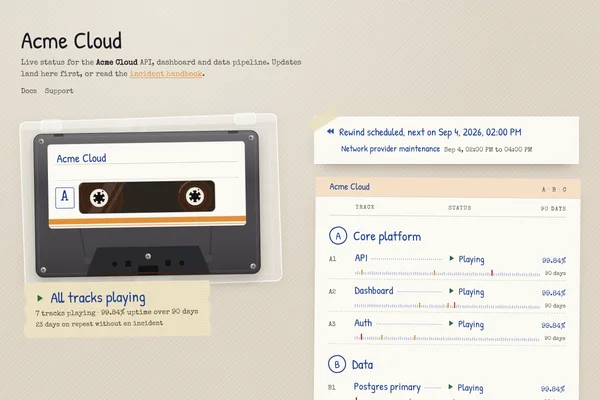
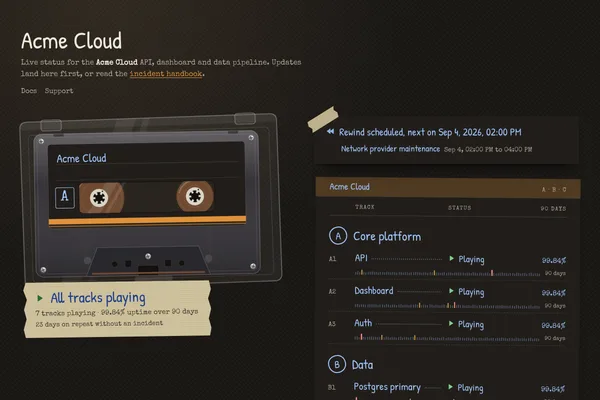
Mixtape
Your services as a handwritten mixtape.
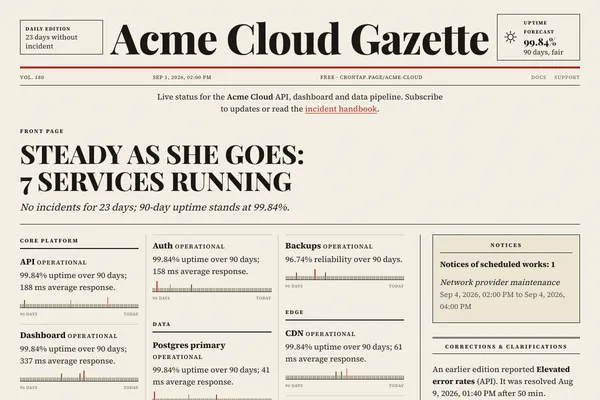
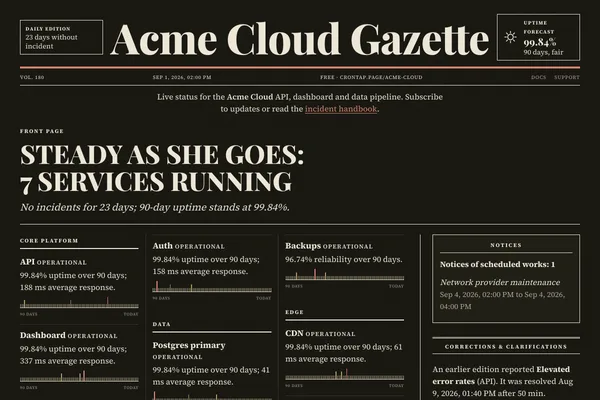
Gazette
Your uptime, on the front page.
Status badge
Your status, in your README and footer.
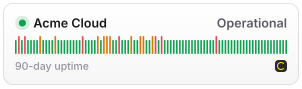
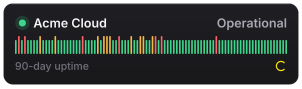
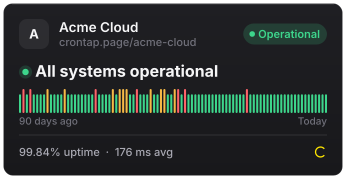
Every page comes with an SVG badge that updates with the page. Pick a style, light, dark or automatic, and paste the snippet. A badge can show the whole page or a single service, and every click goes through your share link, crontap.com/s/<slug>.
Light

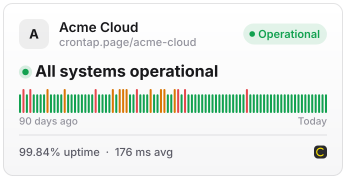

Dark


<a href="https://crontap.com/s/your-page?ref=badge-html" target="_blank" rel="noopener">
  <img src="https://crontap.page/your-page/badge.svg" alt="Acme Cloud status" height="35">
</a>
On every page
Everything a visitor comes to check.
Templates change how a page looks and talks. The data behind it is the same on all of them, and so is this list.
90-day bars and uptime
A daily bar per service for the last 90 days, with uptime for monitors and reliability for heartbeats.
Response time
Average response time on every uptime monitor row, so slow shows up before down does.
Automatic history
Every down, recovery and missed check-in is recorded on its own and kept for 90 days.
Scheduled maintenance
Shows as upcoming a week ahead and in progress while it runs. Checks and alerts keep running.
Live refresh
An open page refreshes every minute, so visitors see a change without reloading.
RSS feed
Incidents, maintenance and updates at /<slug>/rss.xml, for a feed reader or a Slack channel.
status.json
A read-only JSON feed of the current state, open to any origin, for your own widgets and scripts.
Share link and QR code
crontap.com/s/<slug> follows the page to your custom domain later. The Share tab has a QR code too.
Search and social cards
A social card that shows the current state. Search engines see the page once it has a service and has been live for 48 hours.
Seasonal touches
Snow in December, Halloween, New Year confetti and April Fools: follow the calendar, pick one or leave them off.
Visitor controls
Visitors can switch light or dark and reduce motion. Screen readers always get the plain status.
Private by default
Monitor URLs, ping tokens, error messages and logs never reach the page. No cookies, no trackers.
How it works
Three steps, all in the dashboard you know.
Step 1
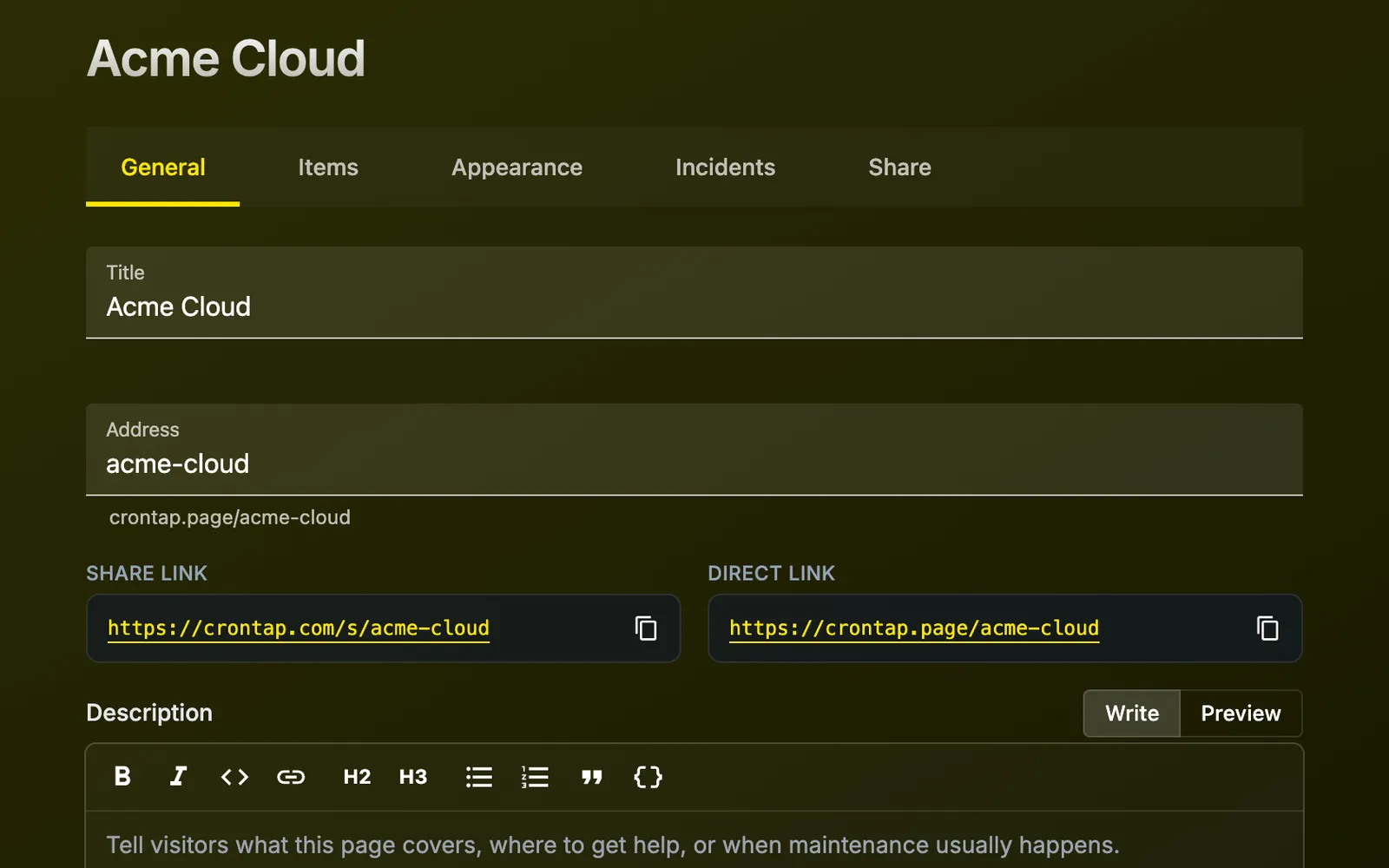
Create a page
Name it, pick a slug and publish. It goes live at crontap.page/<slug>, and the share link crontap.com/s/<slug> follows it to a custom domain later.
Step 2
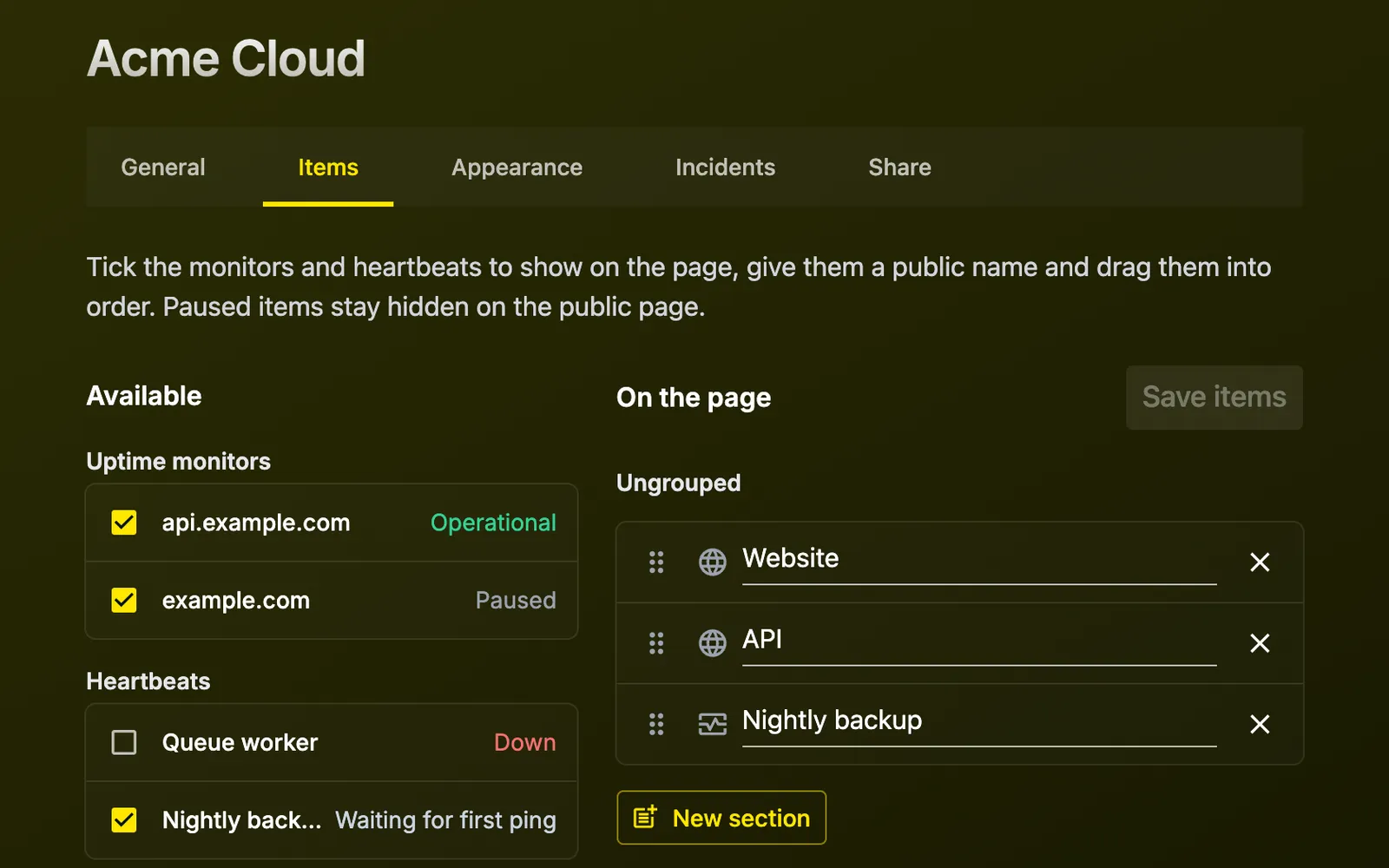
Add monitors and heartbeats
Choose which uptime monitors and heartbeats to show, give them public names and group them into sections. URLs and ping tokens stay private.
Step 3
Pick a look
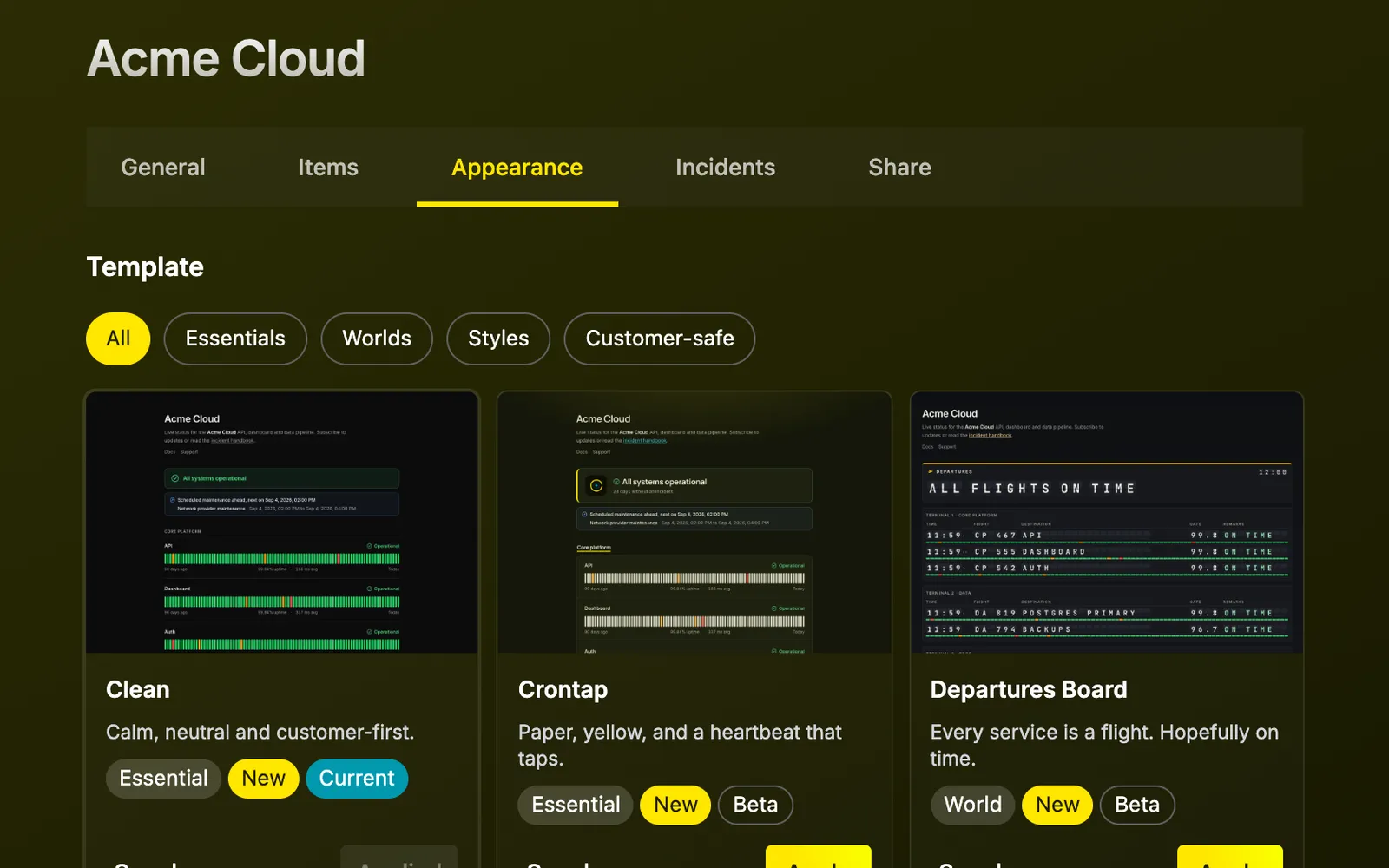
Browse the gallery on the Appearance tab, open a live demo, then press Apply. Your settings for every template are kept if you switch back.
Same tool, one bill
Everything else you’d juggle is already here.
Pricing
Start free. Upgrade when it matters.
Starter
$0forever
- Status pages with every template
- Incidents, maintenance, badge, RSS and status.json
- Uptime monitors and heartbeats on the page
Pro
$23.99/year$35.88
$2.00/mo billed yearly, or $2.99/mo monthly.
- Your logo and favicon, no Crontap branding
- Your own subdomain, like status.your-company.com
- 1-minute checks and Slack, Discord, Telegram alerts
Status pages are free on every plan. No credit card to start. All plans
FAQ
Questions before you sign up.
- Is it really free?
- Yes. Status pages, every template, incidents, maintenance, the badge, RSS and status.json are on every plan. Pro adds your logo and favicon, removes the Crontap branding and connects your own subdomain.
- Does it update itself?
- The services on the page are your Crontap uptime monitors and heartbeats, so their status changes the page. You add incidents and maintenance when you want to say more.
- Can my AI agent post incident updates?
- Yes. With Crontap MCP connected, an agent in Claude, Cursor or another MCP client can open an incident, post updates, schedule maintenance and resolve it. Page design, items and domains stay in the dashboard.
- Can visitors subscribe to updates?
- Through the RSS feed at /<slug>/rss.xml, which carries incidents, maintenance and every update. There are no email subscriptions yet.
- Can I put my status page on my own domain?
- Yes, on Pro, Ultra and legacy Pro. Connect a subdomain such as status.example.com with a CNAME record plus a TXT record that proves you own it, and the certificate is issued automatically. Apex domains like example.com are not supported.
- Will Google index my status page?
- Once the page has at least one visible service and has been published for 48 hours. Until then it is served with noindex, so a page you are still setting up never lands in search results.
- How do I take a page down?
- Turn off Published in the editor. Within a few minutes the page stops being served at crontap.page and on your custom domain, and you can publish it again later with the same settings.
- What happens to paused monitors and heartbeats?
- Paused items are hidden from the public page until you resume them, so a check you switched off on purpose never shows as down.
- Does scheduled maintenance pause my checks?
- No. Maintenance is display-only: the page shows the window and stops colouring the linked services as down while it is active, but checks keep running and alerts still reach you.
- Can heartbeats appear on a status page?
- Yes. Heartbeats sit next to uptime monitors as first-class items, so a nightly backup or a queue worker can have its own row. A late heartbeat shows as degraded.
- How many status pages can I create?
- Pages are not capped by plan, and each page can show up to 100 monitors and heartbeats. A ceiling of 100 pages per account exists only to stop spam; ask support if you need more.
- What do visitors see, and what stays private?
- Visitors see the names you choose, current status, 90-day history, uptime, response times and your incidents. Monitor URLs, ping tokens, error messages and logs are never sent to the page.
- How quickly does the page update?
- Within a few minutes of a check changing state. Pages that are already open refresh themselves, so visitors don't need to reload.
- Can my AI agent post incidents?
- Yes. Connect Crontap MCP and your editor or assistant can open incidents, post updates, resolve them and schedule maintenance on your pages, on every plan. Ultra API keys can do the same over the REST API. Designing pages and choosing what they show stays in the dashboard.
- Do status pages track visitors?
- No. Crontap sets no cookies on status pages and runs no third-party analytics. Views are counted in aggregate (page, template, referrer source, country), and those counts contain no IP addresses. Cloudflare, which hosts the pages, keeps short-lived request logs to deliver and protect them.
Keep exploring
Related pages
- Uptime monitoringThe checks behind every monitor row: any URL, every minute on Pro.
- HeartbeatsPut cron jobs and workers on the page with a ping URL per job.
- PricingStatus pages are free on every plan; branding and domains are paid.
- Status page for cron jobsShow scheduled jobs through heartbeats, plus README badge snippets.
- Custom domain pricing comparedWhat each status page tool charges for status.yourdomain.com.
- Crontap vs UptimeRobotFree monitor counts, status pages and job firing, side by side.
- Crontap vs Better StackWhere on-call and logs win, and where cron plus heartbeats does.
- Looking for AWS or Vercel's status?See our status directory for quick checks on the platforms you ship on.
2.1k+ teams · Running millions of schedules since 2022
Ready when you are
Tell your customers before they ask.
Pick a look, choose the monitors and heartbeats to show, publish. The setup guide checks your site and suggests what to watch.
Free on every plan ・ No credit card required